

Transcript: What “Update in progress” means in Meridian Business Online Banking
Narrator: If an administrator or user is in an “update in progress,” it means that a task has been started to modify their profile but was not confirmed.
[Screen shows tabs within the Business Online Banking platform. The cursor selects the “Admin” tab.]
Narrator: To find this task, select the Admin tab. Under Administrative Tasks, you will see the Saved Tasks.
[Screen zooms in on the “Administrative Tasks” section. “Saved Tasks” is highlighted.]
Narrator: You will be able to edit the task if you didn’t finish updating them, or if you only missed the confirmation page where you would add in a comment and confirm, then you will need to delete the task and start over again.
[Visual: The cursor clicks on an edit icon next to a saved task.]
Narrator: If you would like to edit the user, you can click on Edit. Here you can make any changes that you may have missed.
[Form fields appear on screen. The cursor scrolls, filling in or updating information.]
Narrator: We will add Manage Payees.
[Cursor scrolls down the page. “Manage Payees” is selected.]
Narrator: Scroll down to the bottom and select Save.
[The ‘Save’ button is clicked. A confirmation page appears.]
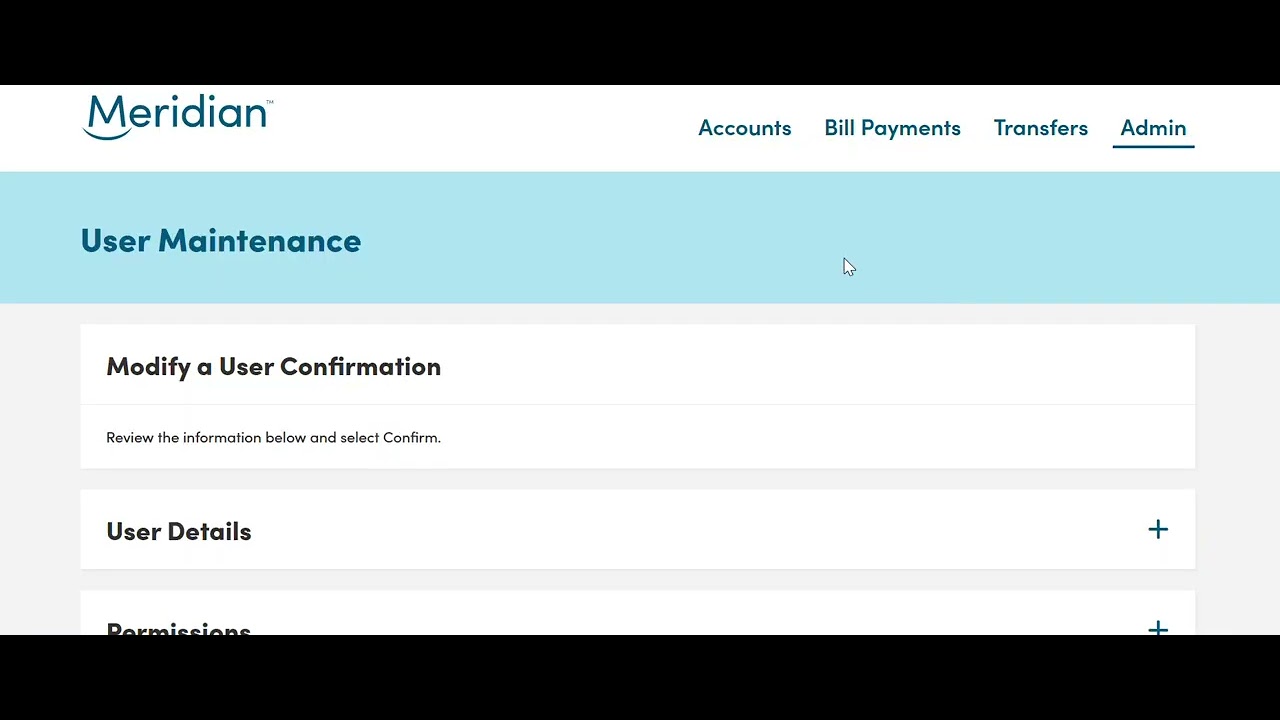
Narrator: You will now be brought to the confirmation page. Scroll down to the bottom where a comment is required. Ensure you select Confirm.
[The “Comment” field is filled in. The “Confirm” button is clicked.]
Narrator: If you leave this page before entering a comment and selecting Confirm, then the administrator or user will be put in an Update in Progress status again.
[On-screen text: “Update Successful.”]
Narrator: The update has now been successfully completed.
Narrator: For any additional support with your business online banking platform, please contact our support team at 1-866-592-2226 at option 3. We are open Monday to Friday, 8:30 am to 5:00 pm, or you can reach us at [email protected]. Thanks for watching!
Read the transcript for the video guide on what “Update in progress” means in Meridian Business Online Banking.